Fresh HD Wallpapers: Top Trending Backgrounds to Download This Month
Your desktop and phone backgrounds say something about you. A stale, factory-default wallpaper says you forgot to care. A sharp, well-chosen HD background says you pay attention to your environment, even the digital one. This month has produced some outstanding options across a range of styles, and I’ve pulled together the best of what’s trending so you can refresh your screens fast.
Why Wallpaper Trends Actually Matter
Wallpaper trends follow the same cultural currents as design, photography, and film. When a particular color palette dominates award-winning cinema, you see it show up in top-downloaded backgrounds within weeks. When a nature documentary goes viral, landscape photography spikes in popularity. Tracking trends helps you pick something that feels current rather than dated.
This month, three major themes are dominating download charts: moody dark aesthetics, macro nature photography, and retro-futurist illustration. Each plays well across different screen types, and I’ll break down the best picks in each category.
Top Trending Categories This Month
1. Dark and Moody Atmospherics
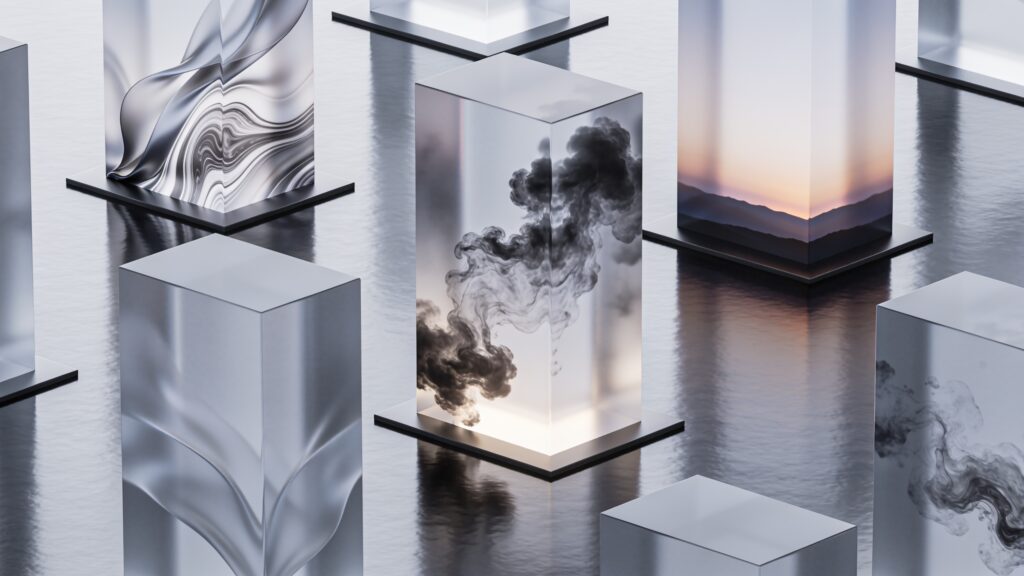
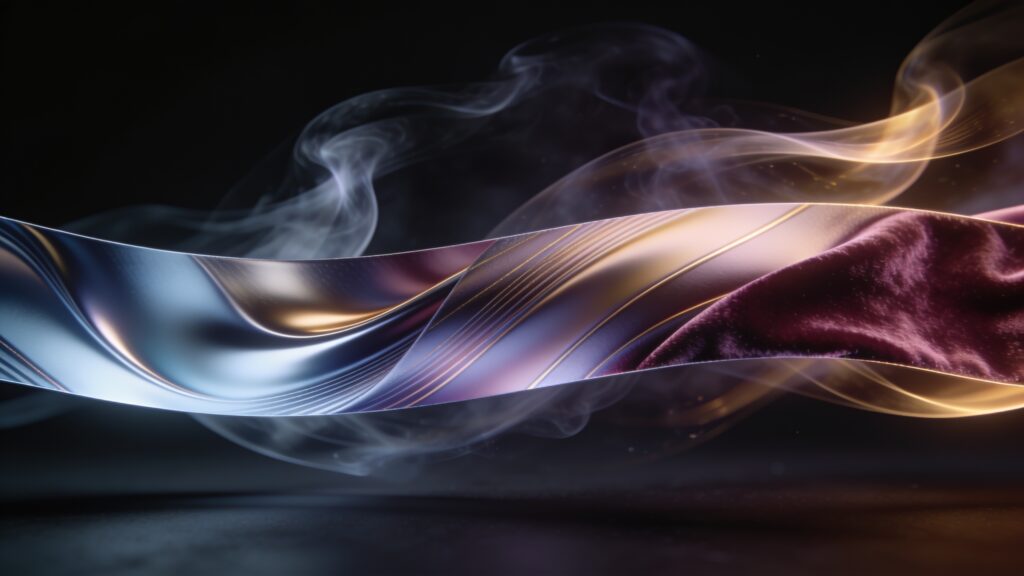
Dark wallpapers have held steady in popularity for years, but the current wave leans toward textured, layered darkness rather than flat black. Think storm-lit mountain ridges, deep ocean trenches caught mid-current, and fog-heavy forests where the light source is barely visible in the frame.
The reason these perform so well on modern screens is pure hardware logic. OLED displays on phones and high-end monitors render true blacks by switching pixels off entirely, so a dark wallpaper actively saves battery and reduces eye strain in low-light rooms. The aesthetic benefit and the technical benefit line up perfectly.
My current favorite in this category is a wide-angle shot of a Norwegian fjord taken at blue hour, where the water and the sky share almost the same shade of indigo. It works on a 4K monitor without any visible compression artifacts and tiles beautifully on ultrawide setups.
2. Macro Nature Photography
Close-up photography of natural subjects has exploded this month. Dewdrops on spider silk, the cross-section of a citrus fruit at 8K resolution, frost crystals spreading across glass, the eye of a mantis shrimp caught in studio lighting. These images reward a large, high-resolution screen because the detail density is extraordinary.
The appeal is straightforward: these subjects are familiar, but the scale transforms them into something abstract and almost architectural. A water droplet at 1:1 magnification stops being a droplet and becomes a sphere of refracted color. On a 27-inch 4K monitor, that level of detail genuinely holds your attention.
If you run multiple monitors, macro nature wallpapers are my top recommendation. They carry enough visual information to stay interesting across a wide canvas without feeling chaotic.
3. Retro-Futurist Illustration
Digital illustration in the retro-futurist style, think 1970s science fiction paperback covers rebuilt with modern tools, has seen a sharp popularity surge. The color palettes tend toward warm oranges, deep purples, and chrome silvers. Subjects include ringed planets over alien deserts, retro spacecraft cockpits, and city skylines built from geometric shapes.
This style works especially well on phone lockscreens because the vertical composition is often intentional in the original artwork. The illustrators building these backgrounds design for portrait orientation from the start, which means the focal point lands exactly where your eyes expect it.
Resolution Reference Guide
Before downloading anything, match the resolution to your screen. Downloading a 1080p image for a 4K display produces a soft, slightly blurry result that defeats the purpose entirely.
| Screen Type | Minimum Resolution | Ideal Resolution |
|---|---|---|
| 1080p Monitor | 1920 x 1080 | 2560 x 1440 |
| 1440p Monitor | 2560 x 1440 | 3840 x 2160 |
| 4K Monitor | 3840 x 2160 | 5120 x 2880 |
| Ultrawide (21:9) | 3440 x 1440 | 5120 x 2160 |
| iPhone 15 Pro | 2556 x 1179 | 2556 x 1179 |
| Android Flagship | 1440 x 3088 | 1440 x 3088 |
Always download at or above your native resolution. Going higher than native costs you nothing except a slightly larger file size, and your OS scales it down cleanly.
What to Look For in a High-Quality HD Wallpaper
A large file size alone tells you very little about image quality. A well-compressed JPEG at 4 megabytes will outperform a bloated PNG at 20 megabytes if the source photography is sharper. Here is what I actually check before committing to a download:
- Sharp edges at 100% zoom, especially along contrasting boundaries like a horizon line or a subject against a plain background.
- Consistent noise levels across the image, because patchy noise usually means heavy post-processing that has degraded detail.
- A focal point that sits away from the center, because centered compositions become awkward once desktop icons or phone widgets occupy the screen.
- Color grading that complements your OS theme, so a heavily warm image pairs poorly with a cool-toned dark mode interface.
- Aspect ratio that matches your screen type without requiring a crop that cuts into the main subject.
How Often Should You Switch Wallpapers?
My honest answer is once a month at minimum, and more often if you spend long hours in front of a screen. A static background becomes invisible within a week because your visual system learns to suppress it. Swapping to something fresh reactivates your attention to your environment and, small as it sounds, consistently improves mood during long work sessions.
Several apps on both Windows and macOS handle automated rotation. Set a folder of your best downloads as the source, set rotation to every few hours, and you get variety without any manual effort.
Key Takeaways
This month’s top wallpaper trends, dark atmospheric photography, macro nature close-ups, and retro-futurist illustration, cover a wide range of tastes and screen types. Matching your download resolution to your hardware is the single most impactful step you can take toward a sharp, professional-looking setup. Beyond that, choose compositions with off-center focal points and color grading that pairs with your OS theme.
Head to the download library here on hdwpro.com, filter by the categories above, and sort by resolution to find exactly what your screen deserves. A fresh background takes thirty seconds to apply and makes every hour you spend at your desk a little better.