4K UHD vs HD Wallpapers: Download the Best High-Res Backgrounds for PC
Your desktop wallpaper is the first thing you see when you sit down to work, game, or browse. It sets the mood for everything that follows. So picking the right resolution matters more than most people admit.
The debate between 4K UHD and HD wallpapers comes down to your monitor, your hardware, and what actually looks good on your specific screen. I’ve spent years collecting, testing, and writing about high-resolution backgrounds, and I’ll give you a straight answer on which format to download and why.
Understanding the Resolution Difference
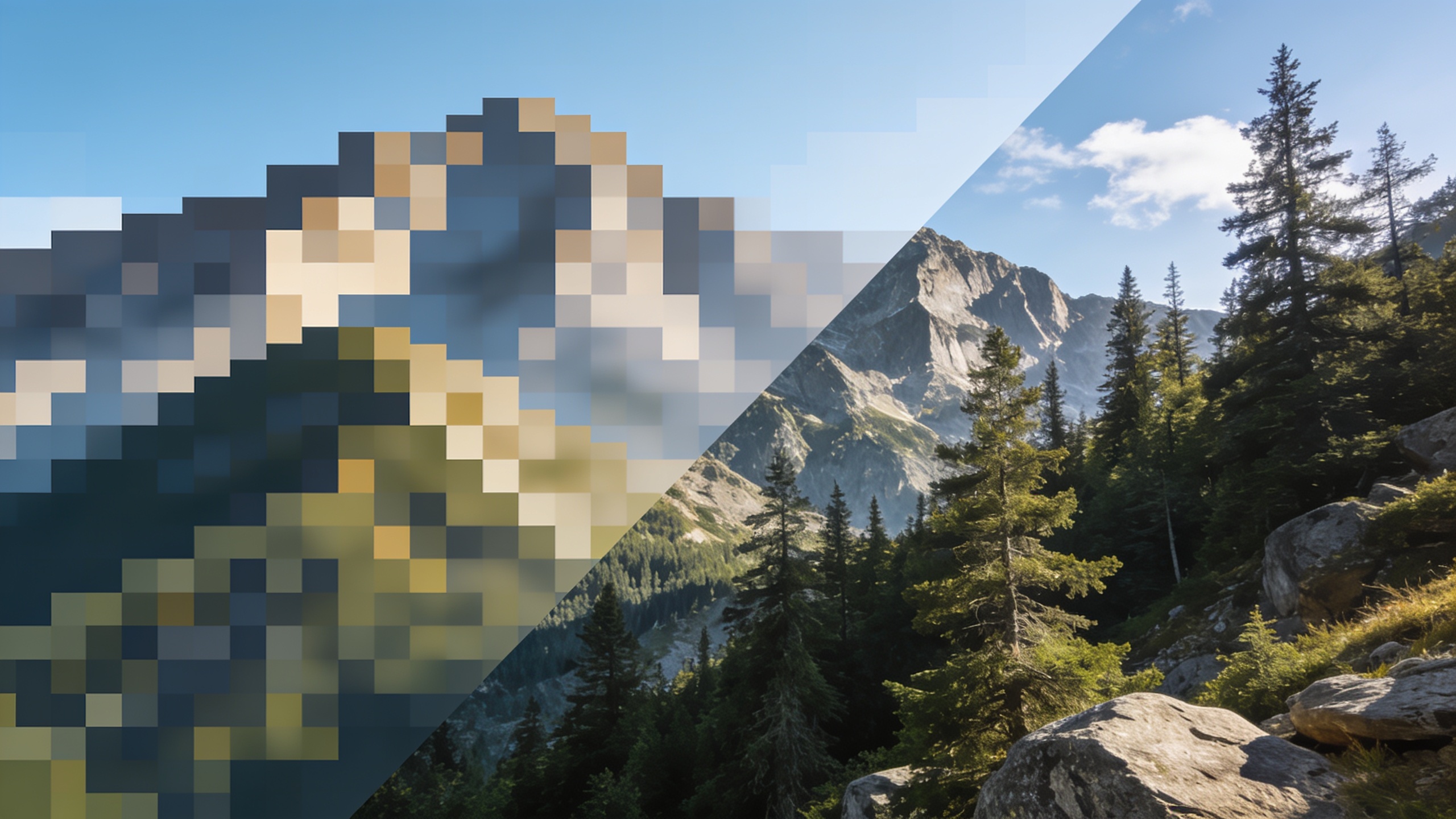
Resolution describes how many pixels fill your screen. More pixels means finer detail, sharper edges, and richer texture in images.
Here’s a direct comparison of the most common wallpaper resolutions:
| Format | Resolution | Total Pixels | Best For |
|---|---|---|---|
| HD (720p) | 1280 x 720 | 921,600 | Older laptops, secondary screens |
| Full HD (1080p) | 1920 x 1080 | 2,073,600 | Standard monitors, budget builds |
| 2K / QHD | 2560 x 1440 | 3,686,400 | Mid-range gaming monitors |
| 4K UHD | 3840 x 2160 | 8,294,400 | High-end monitors, 4K displays |
The jump from Full HD to 4K represents a fourfold increase in pixel count. On a matching display, that difference is visible and significant. On a 1080p monitor, a 4K wallpaper gets downscaled, and the result is still sharp, but you lose the full benefit.
Does 4K Actually Look Better on Your Screen?
This is where I see people waste the most time. They download massive 4K files to a laptop running a 1366×768 panel and wonder why they see no improvement. The display is the ceiling.
If your monitor is 1080p, a 1920×1080 wallpaper is the sweet spot. It renders at native resolution with zero scaling artifacts. A 4K image will look slightly smoother because Windows downsamples it cleanly, but the real-world difference is modest at best.
If you own a 4K or QHD display, downloading anything below 2560×1440 is a mistake. Upscaled HD wallpapers on a 4K screen look soft and pixelated, especially in geometric patterns and fine architectural photography.
My recommendation is to match or exceed your screen resolution. Going one tier above your native resolution is fine. Going two tiers below is a visible downgrade.
What Makes a Great High-Res Wallpaper
Resolution is a starting point. Image quality goes deeper than pixel count.
The best wallpapers share a few consistent traits:
- High dynamic range in the source image, with detail preserved in both shadows and highlights
- A clear focal point that sits comfortably with taskbar icons and desktop shortcuts
- Neutral or dark zones along the bottom edge so text stays readable
- Consistent color grading without heavy filters that date quickly
- Original photography or digital art rather than compressed reposts
A 4K wallpaper shot on a quality camera or rendered in a professional 3D application will outperform a 4K upscale of a mediocre 1080p original every time. Always check the source.
Best Categories to Download Right Now
Certain subject categories photograph and render exceptionally well at high resolution. After years of building my own wallpaper library, these are the categories worth prioritizing.
Landscape and Nature Photography
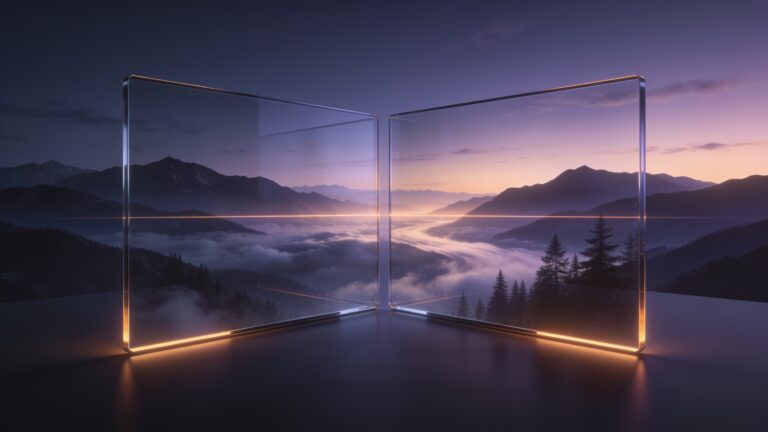
Natural scenes reward high resolution more than almost anything else. A 4K mountain range shot at golden hour shows individual rock textures, cloud gradients, and foliage detail that a 1080p version compresses away. Look for RAW-sourced images rather than heavily processed JPEGs.
Abstract and Digital Art
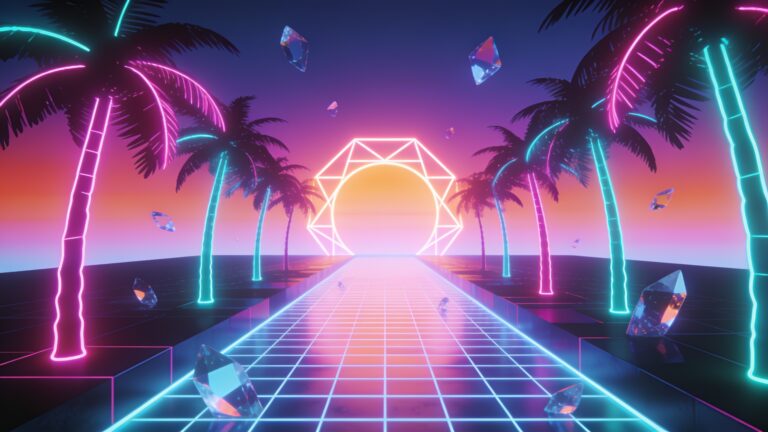
Abstract wallpapers generated in tools like Blender or Cinema 4D are natively rendered at exact pixel dimensions. A 3840×2160 render is a true 4K image, pixel for pixel. These age well and work across multiple monitor setups without quality loss.
Architecture and Cityscapes
Urban photography at night, particularly long-exposure city skylines, contains thousands of individual light sources. At 4K, each point of light is crisp. At 1080p, that same image starts to look smeared. This is one category where the resolution upgrade makes the biggest perceptible difference.
Space and Astronomy
NASA and ESA release telescope imagery at resolutions that exceed consumer 4K displays. Hubble Deep Field images, planetary photography, and nebula composites sit in a tier of their own. Download these at the highest available resolution regardless of your current monitor.
File Formats and What to Avoid
Most wallpaper sites offer JPG, PNG, and occasionally WebP. For desktop use, JPG at high quality (90 percent or above) is practical and storage-efficient. PNG preserves lossless detail and works better for digital art with sharp geometric edges.
Avoid heavily compressed JPGs. You can spot them by looking for blocky artifacts around high-contrast edges, a problem called compression ringing. A 4K image saved at 60 percent JPG quality will look worse than a clean 1080p PNG.
File size is a reasonable quality indicator. A proper 4K JPG wallpaper typically runs between 3MB and 12MB. Files below 1MB at 4K resolution have almost always been over-compressed.
Setting Up Your Wallpaper for the Best Result
Windows 10 and 11 both offer a fit setting in the Personalization menu. Use “Fill” for most wallpapers, which scales the image to cover the screen without distortion. Use “Fit” only when aspect ratio preservation matters, such as with panoramic or square-format images.
For multi-monitor setups, download separate images for each screen rather than stretching one image across all panels. The center-crop approach works fine for single wide images, but distinct wallpapers per monitor always look cleaner and more intentional.
Key Takeaways
Picking the right wallpaper resolution comes down to a simple logic chain. Know your monitor’s native resolution. Download at that resolution or one tier above. Prioritize image quality and source integrity over raw file size. And spend time in the categories that benefit most from high pixel density, landscape photography, architecture, and 3D digital art.
The best desktop background is the one that still looks good six months from now, at any time of day, with a full taskbar and open windows sitting on top of it. Start with that standard, then chase the resolution.
Browse the HDWPro library by resolution to find wallpapers matched exactly to your display, and use the resolution filter to avoid wasting time on files your screen cannot fully render.